Ever tried setting up your smart couch only to realize it won’t sync with your favorite voice assistant? Yeah, we’ve been there. It’s frustrating when your dream of lounging on a connected sofa turns into a tech nightmare. But don’t worry—we’re here to solve the problem and turn you into a smart furniture connectivity pro.
In this post, you’ll learn everything about smart furniture connectivity, from understanding its importance in modern homes to mastering step-by-step setup guides. Along the way, we’ll share actionable tips, case studies, and even some brutal honesty (because not every piece of advice online works). Stick around until the end for a little surprise!
Table of Contents
- Why Does Smart Furniture Connectivity Matter?
- How to Set Up Smart Furniture Connectivity: Step-by-Step
- Pro Tips for Maximizing Smart Furniture Connectivity
- Real-World Examples of Successful Smart Furniture Integration
- Frequently Asked Questions About Smart Furniture Connectivity
Key Takeaways
- Smart furniture connectivity transforms how you interact with your home environment.
- A proper setup ensures seamless integration with other smart devices.
- Troubleshooting common issues saves time and prevents frustration.
- Successful examples prove that investing in quality smart furniture is worth it.
Why Does Smart Furniture Connectivity Matter?
Imagine walking into your living room, saying “Hey Google, recline my chair,” and voilà—it happens. No buttons, no remotes, just pure magic. That’s the power of smart furniture connectivity. This technology bridges the gap between comfort and control, allowing your furniture to communicate with apps, voice assistants, and IoT ecosystems.

Here’s why it matters:
- Convenience: Control your furniture through voice commands or mobile apps.
- Energy Efficiency: Smart furniture often includes sensors that adjust settings based on usage patterns, saving energy.
- Health Benefits: Ergonomic chairs and beds can remind you to sit up straight or adjust posture automatically.
How to Set Up Smart Furniture Connectivity: Step-by-Step
Optimist You: “This will be so easy!”
Grumpy You: “Not if you skip reading the manual, genius.”
Alright, let’s dive into the nitty-gritty:
Step 1: Check Compatibility
Before buying smart furniture, ensure it supports popular protocols like Zigbee, Z-Wave, or Wi-Fi. (Hint: If it doesn’t mention compatibility anywhere—run.)
Step 2: Download Necessary Apps
Most smart furniture comes with companion apps. Install these on your phone and create an account. Psst… bonus points if they integrate with Alexa, Siri, or Google Assistant.
Step 3: Connect to Your Network
Pull out your router password because you’ll need Wi-Fi credentials to connect your furniture. Some items also use Bluetooth pairing—check the instructions!
Step 4: Test Features
Once connected, test every feature. Does your smart table charge your phone? Can your bed detect snoring and elevate slightly? Make sure it all works before relaxing.
Pro Tips for Maximizing Smart Furniture Connectivity
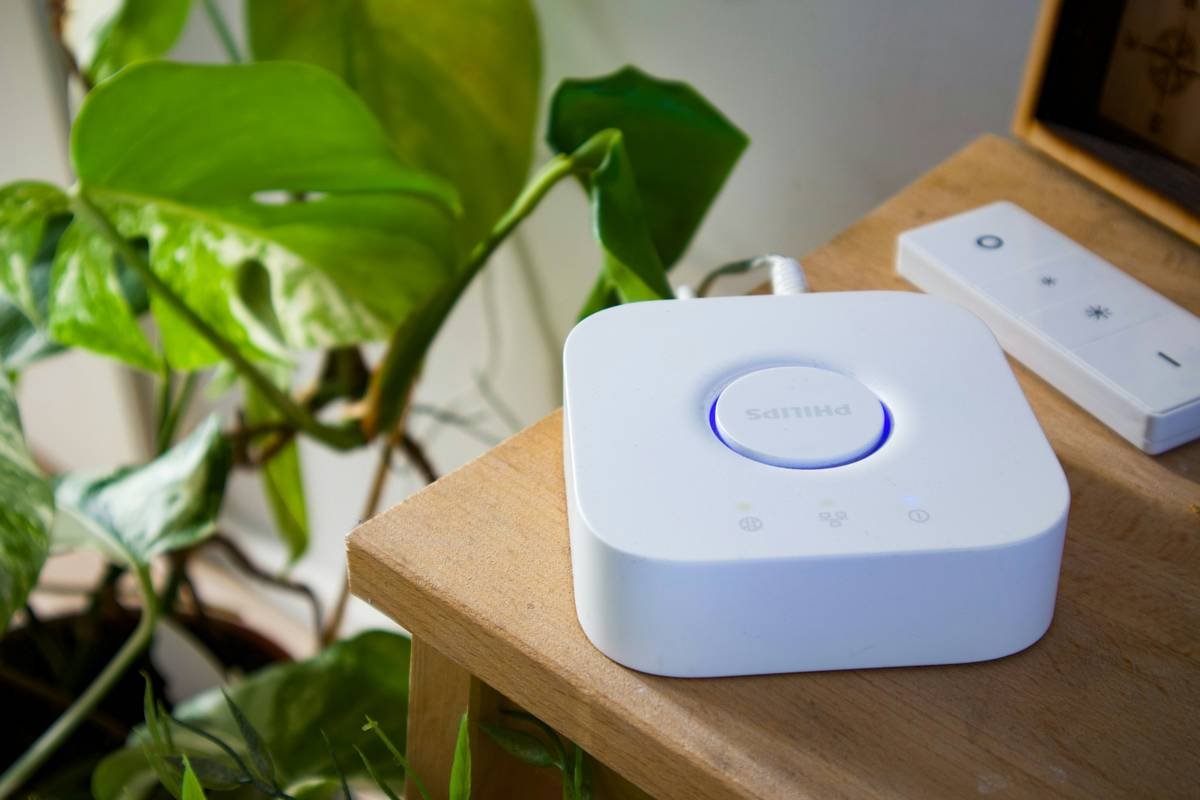
- Use a Dedicated Hub: For non-Wi-Fi-enabled furniture, invest in an IoT hub compatible with multiple standards.
- Create Scenes in Your Smart Home App: Sync routines like “Good Morning” where lights brighten and the desk adjusts height simultaneously.
- Monitor Battery Levels: Wireless components like sensors might require charging or battery replacements.
- Terrible Tip Disclaimer: Avoid placing heavy electronics near sensitive furniture sensors—it messes with calibration (we learned this the hard way).
Real-World Examples of Successful Smart Furniture Integration
Rant Section: Ugh, why do people think slapping a USB port on a chair makes it “smart”? Real innovation takes thoughtful design!
Now, onto better things. Here are two shining examples:
Case Study #1: Ori Living
Ori offers robotic furniture that transforms spaces with touch controls or voice assistants. Their systems have helped urban dwellers optimize tiny apartments.
Case Study #2: IKEA TRÅDFRI x Sonos Symfonisk
IKEA collaborated with Sonos to create speakers hidden within lampshades and bookshelves—functional audio furniture at its finest.

Frequently Asked Questions About Smart Furniture Connectivity
What’s the best protocol for smart furniture connectivity?
Zigbee and Wi-Fi are leading choices due to reliability and widespread support.
Can I mix brands of smart furniture in one home?
Yes, but compatibility depends on shared protocols. Use a universal hub for maximum flexibility.
Is smart furniture secure?
As long as firmware updates regularly and passwords stay strong, risks remain minimal.
Conclusion
By now, you should feel empowered to tackle smart furniture connectivity head-on. Remember: start by checking compatibility, follow setup steps carefully, and always keep security top of mind. With these strategies, you’ll be living in a futuristic space-age pad faster than you can say “Alexa, dim the lights.”
Oh, and here’s a parting gift:
Wi-Fi signals dance unseen,
Chairs adjust while screens stay lean.
Smart homes hum, life serene.